Notch, Simple and Dynamic: Agent HUD on every screen
Each display runs one of three modes. A display with a notch starts in Notch, every other display in Dynamic, and each keeps its own mode, place and look.
Updated 2026-10-30
Three modes
| Mode | On screen |
|---|---|
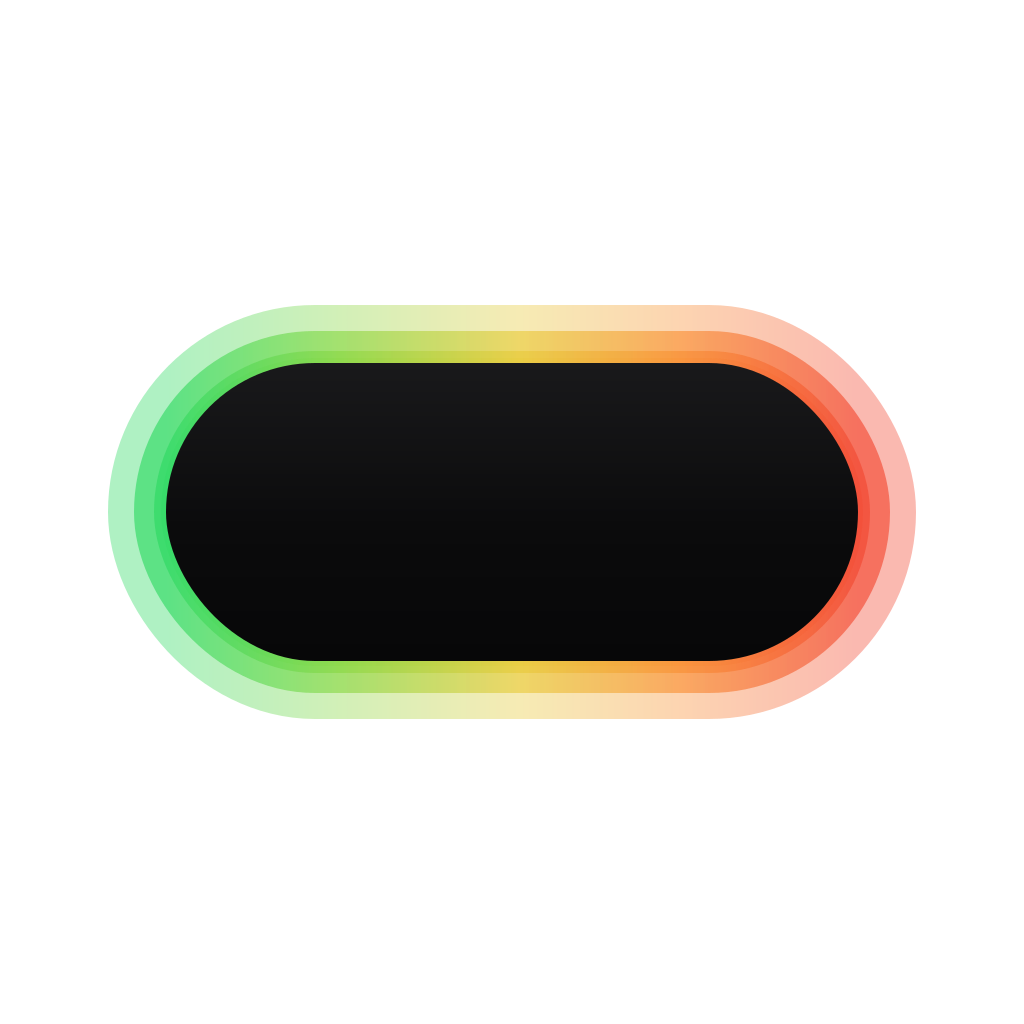
| Notch | At the notch, with the glow around it. On a display without a notch, a notch is drawn at the top centre. |
| Simple | A small floating panel on any screen edge: each agent's logo in a ring of its most used quota, with the percentage beside it. |
| Dynamic | A row of agent logos on any screen edge, with the glow behind them. A logo becomes its bot while its agent works. |
One panel in every mode
In every mode a hover opens the same panel: quotas with their resets or burn rates, balances, the last 24 hours of tokens, and the sessions, those waiting for you first. Requests and reminders appear in every mode too.

Notch
Notch mode sits at the notch, with the glow around it. The glow's colours follow quota use: green under 70% used, yellow from 70%, red from 90%. Reminders and requests open out of the notch. At a hardware notch the resting row stays dark in the light look too, beside the black camera housing.

Simple
Simple mode gives each agent its own logo and ring. The ring is the agent's most used quota, and the figure beside it is the percentage, or the balance for an agent billed that way. Simple mode draws no glow.
With Separate agents on, a hover over one logo writes that agent's quotas on a single line, and its own card opens from that logo.

Dynamic
Dynamic mode lines up the logos of the agents Agent HUD finds on your Mac along an edge, with the glow behind them. Agents with a quota come first, then those with a session in the last day, newest first, then the rest.
A logo becomes its bot while its agent works, and a reminder comes out of its sender's logo. With Reduce Motion on in macOS, the logos stay still and the glow holds its resting frame.

Move it, and give each display its own
The HUD drags to any edge and any point along it, and lands on the nearest edge. Dragging the notch turns that display to Dynamic. On the side edges the logos run top to bottom, and the panel opens inward.
Each display keeps its own mode, place, logo size and spacing, rings, light or dark look, transparency and glow. A change on one display never moves the HUD on another, and a monitor you plug back in returns as you left it.
Opening the panel only when you mean to
The panel opens after a short hover, 0.4 seconds unless you set another delay. If it opens when you only pass by, it can wait for the Option key as well. At the top edge, it can also open at once.
Reminders and new requests appear on the display under your pointer. A request already shown on one display stays there until it is answered.
What a second display costs
Measured on release builds, each display's HUD adds 0.5–7% of one core and 70–170 MB of memory. Idle, with one display, Agent HUD uses about 7% of one core, and its own process about 240 MB of memory.
Questions
Do I need a MacBook with a notch?
No. Simple and Dynamic work on any edge of any display, and Notch mode on a display without a notch draws one at the top centre.
Can each display use a different mode?
Yes. Each display runs one mode with its own place and look, for example Notch on the laptop and Simple on the left edge of a monitor.
Which agents appear in the Dynamic row?
The agents Agent HUD finds on your Mac. Those with a quota come first, then those with a session in the last day, newest first.
Will a second display slow my Mac down?
Each display's HUD adds 0.5–7% of one core and 70–170 MB of memory, measured on release builds.
Does it work on Windows and Linux?
In preview: unsigned packages for Windows 10 and 11 (x64) and x86_64 Linux are on the releases page, not yet tested on real machines. On Wayland the edge HUD needs layer-shell, which GNOME lacks.